Basic Help
The Basic level of
CharTree
lets you upload
a GEDCOM and draw charts.
Input a person and see who is selected.
You can select a
to
Who you've selected appears as
-
Mouseover: hold the mouse cursor over a name in the chart
-
and the name appears in the text box to the right
of Person.
-
Pan: click on a name in the chart to Focus on that person.
-
Selecting the father or mother pans back a generation in time.
Selecting a child pans forward in time.
-
Type:
a name in the text boxes below Person:
| First Name:
| the person's first name, and any middle names |
Last Name:
| the person's last name (surname) |
-
Then click on
Enter.
Reports, Ancestors, and Descendants.
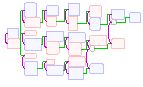
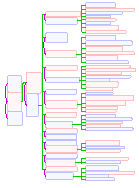
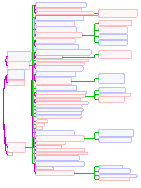
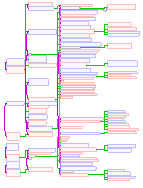
CharTree
can display charts of
as well as simple
Family Group
and Pedigree charts.
CharTree can depict
intergenerational marriages
and stepchildren,
and many other options.
Ancestors and Descendants
You can change either Ancestors
or Descendants
and change the report that way, too.
Sharing
You can Share your GEDCOM with other CharTree users.
|
|
Upgrade to Advanced level.
Basic level has numerous options.
|